![Wecan_logo.png]](https://support.wecangroup.ch/hs-fs/hubfs/Wecan_logo.png?height=40&name=Wecan_logo.png)
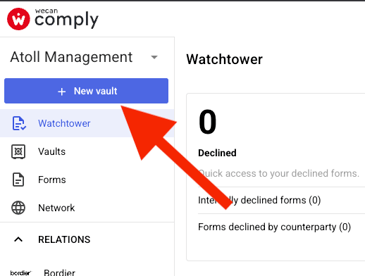
Select New Vault
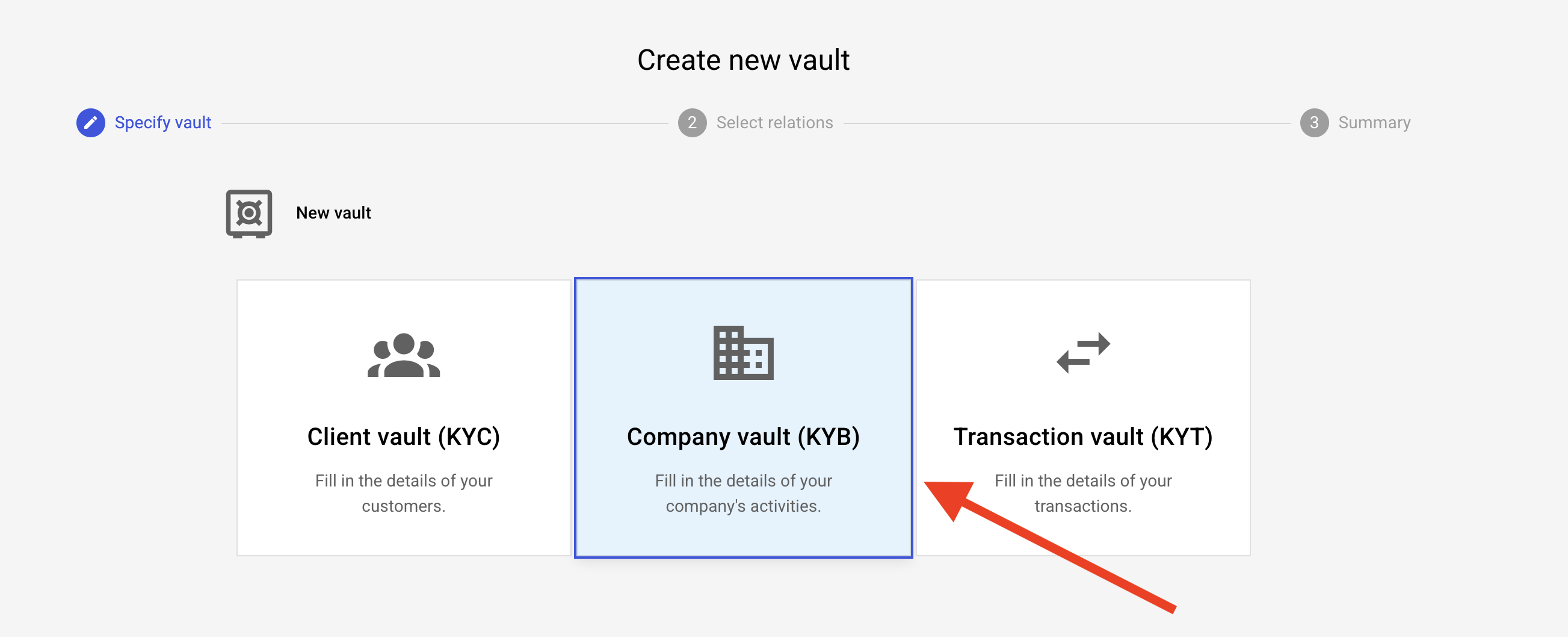
Select company vault
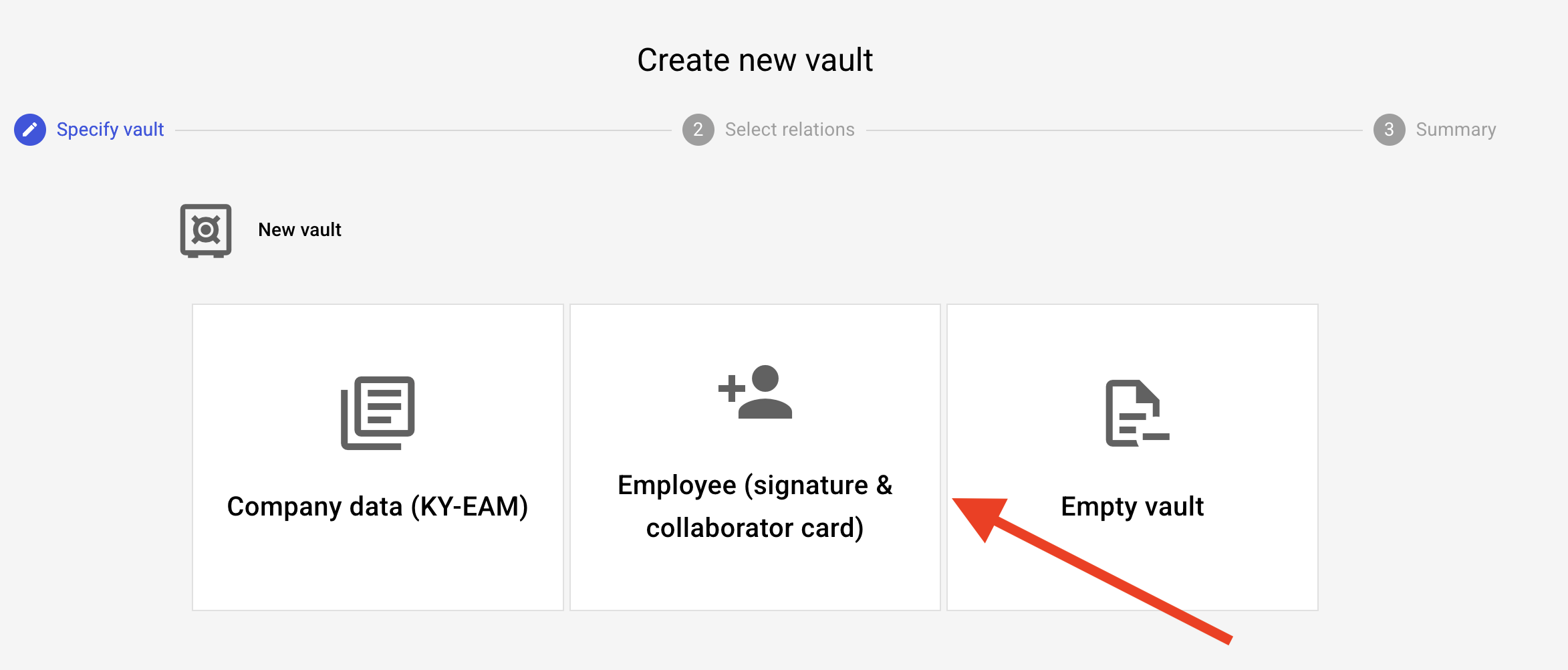
Select Employee
Enter the name of the employee
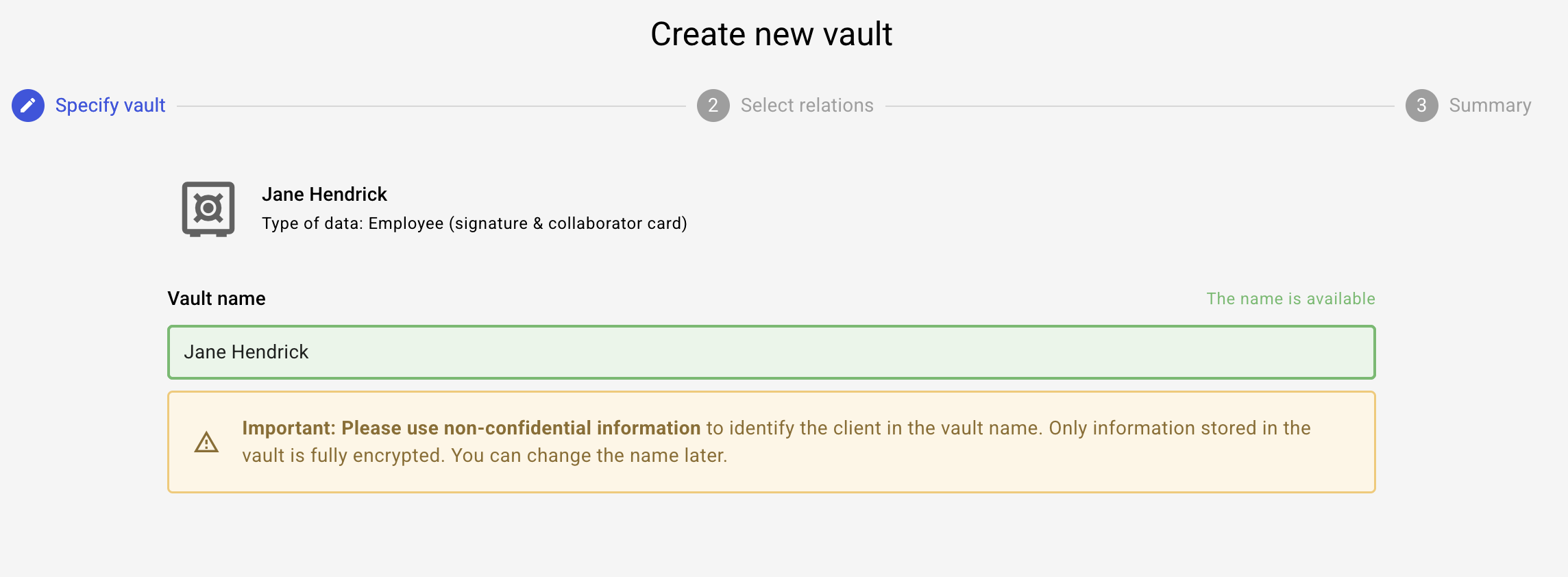
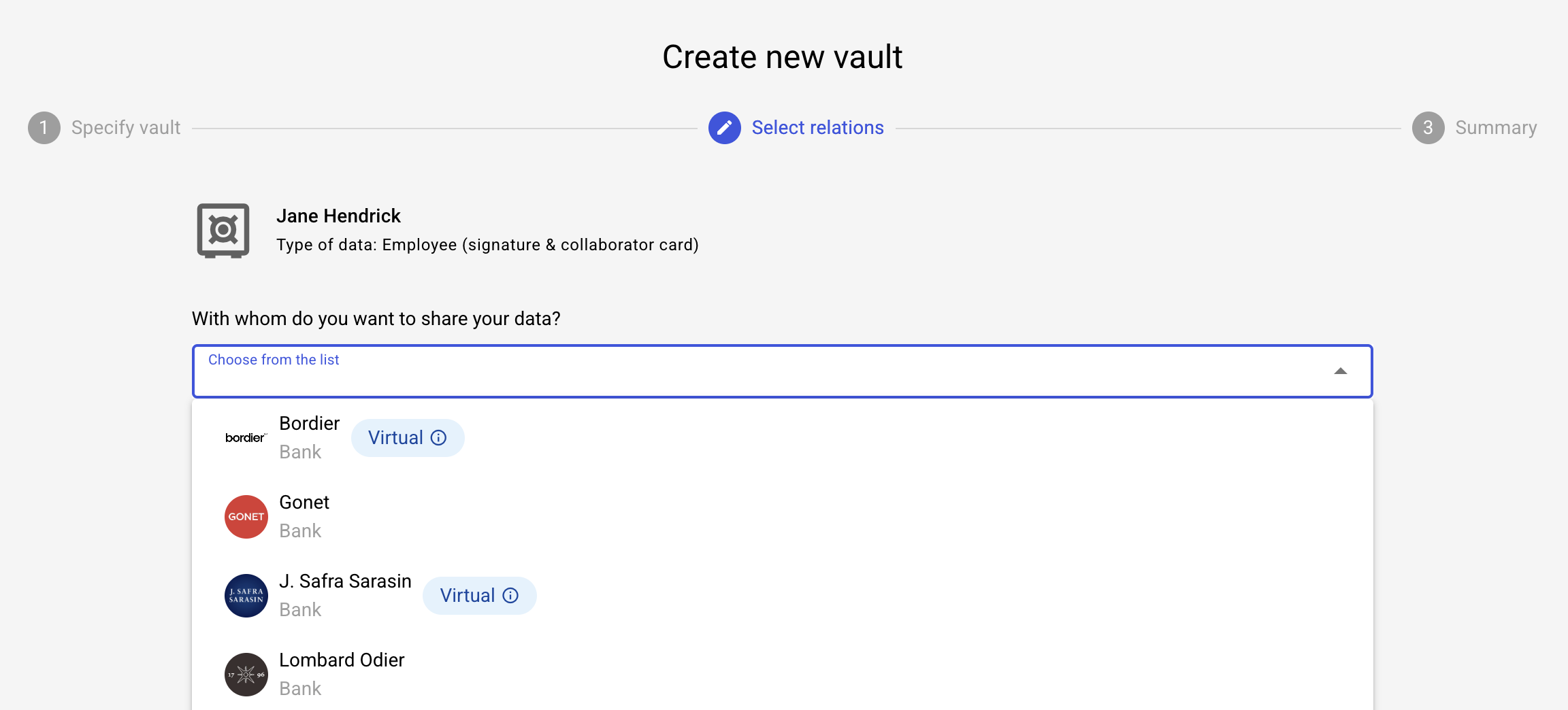
Select the banks with whom the data is shared
If you don't know yet, select Skip, you can add them later
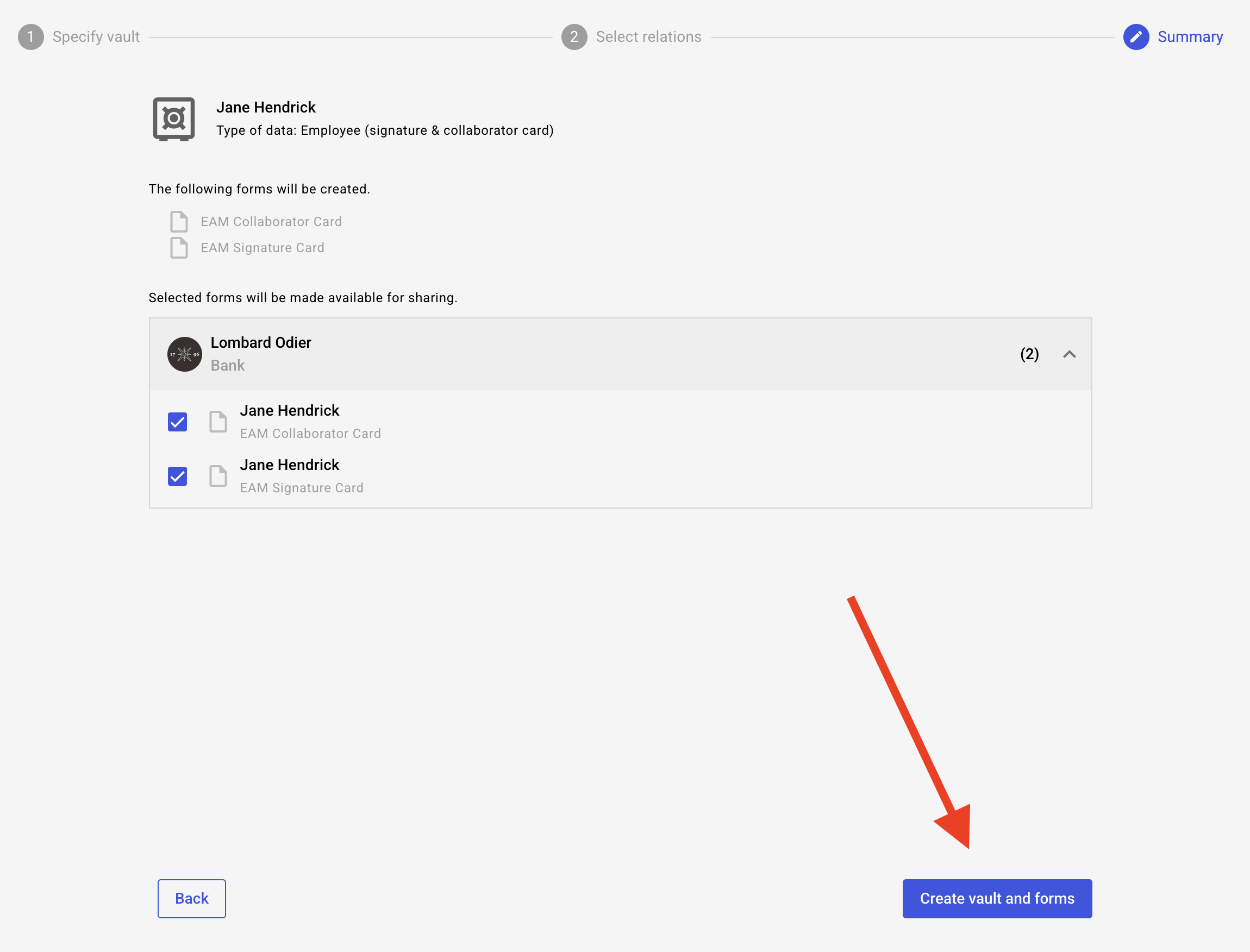
Click on "create vault and form"
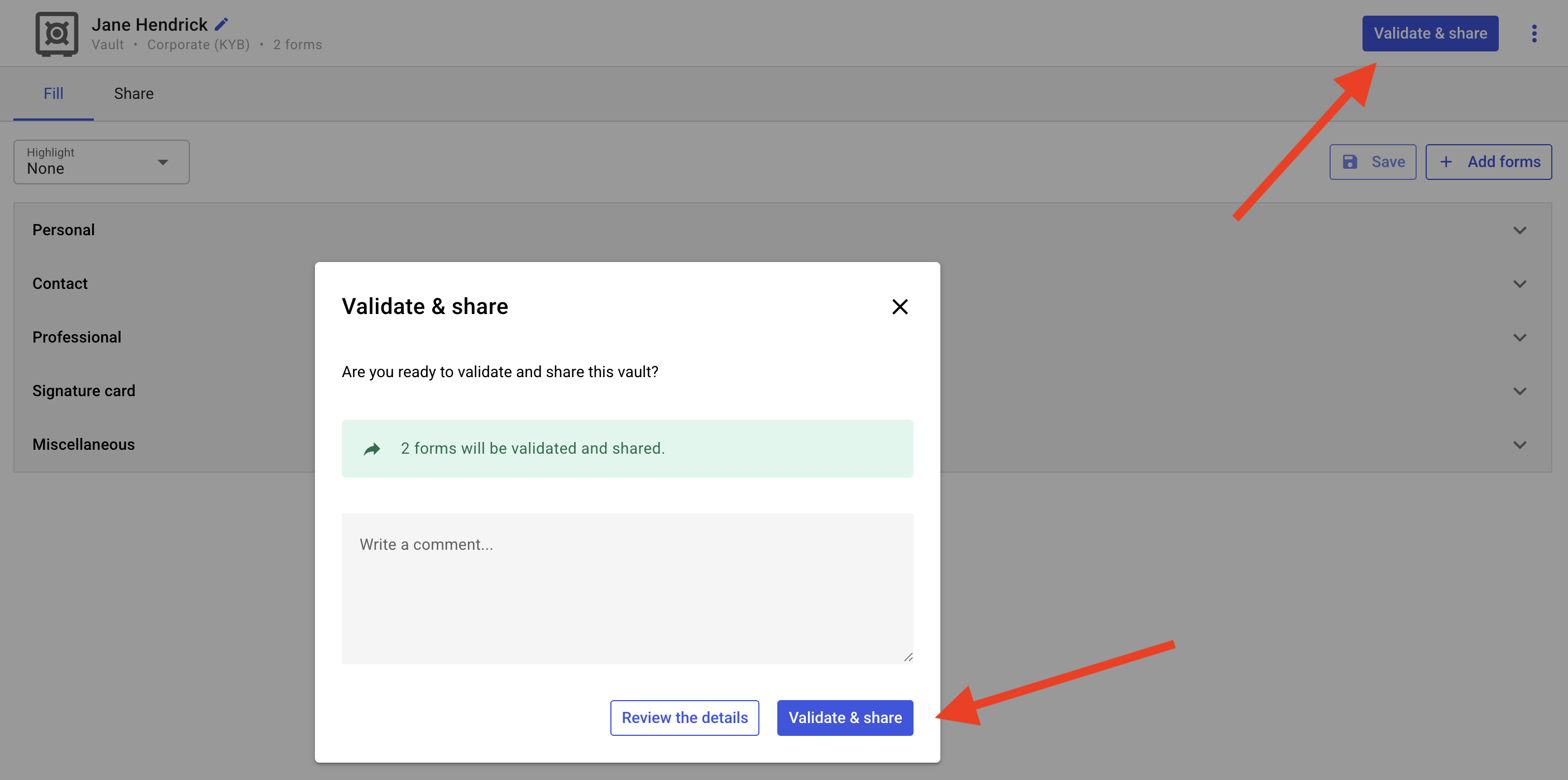
Once you have completed all fields, click on save and "Validate & Share" on top corner
Add a comment if necessary. And confirm sharing by clicking on "validate and share" on the pop up window